

Champion Details on Your Desktop
See win rate, pick rate, games, and core Augments without repeatedly switching browser tabs.
Use the ARAM Mayhem desktop app on Windows or Mac to check champion win rates, Augment recommendations, and builds from aramgg.com before champion select.
Windows x64 installer
Apple silicon · macOS 14+
Windows and Mac downloads are available on GitHub Releases.
Mac installation and permissions ↗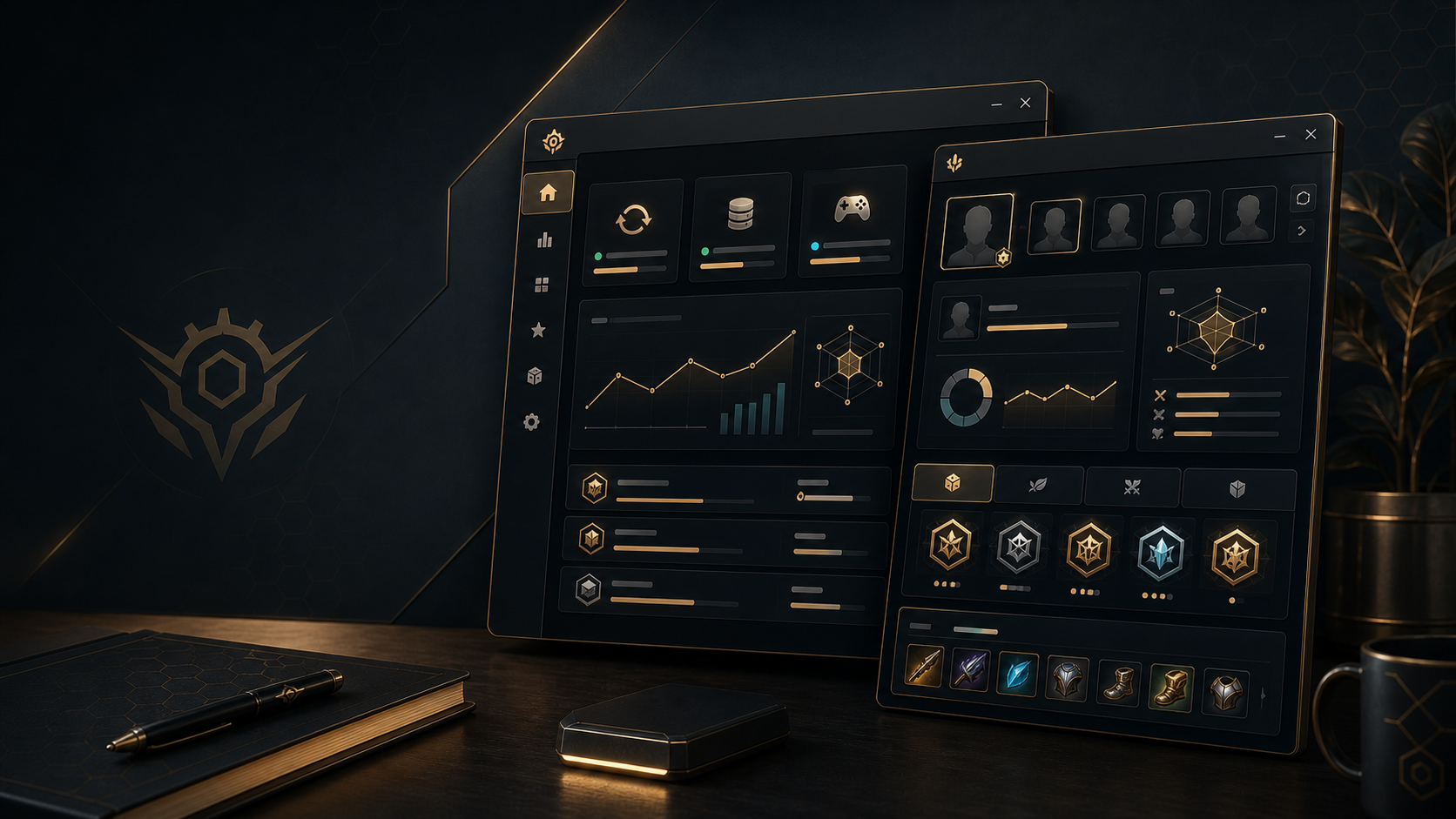
See win rate, pick rate, games, and core Augments without repeatedly switching browser tabs.
Fetch the latest Augment data while you queue and confirm the current-patch options.
Continue from champion stats to recommended item builds without searching another site.
Use the website for complete rankings and guides, then keep frequently used data available in the desktop client.
Open GitHub ↗Check the client and data versions after launch so recommendations stay current.
Quickly check win rate, Augment priority, and item builds in the desktop window.
Use aramgg.com for full rankings, patch notes, and in-depth guides.
If you want to integrate aramgg.com stats, Augments, and builds into your own tool instead of installing the client, start in the developer portal.
Request a free API key and review documentation, credits, and integration settings.
Open PortalProduction base URL for the English third-party API.
View URLCheck the current data version and API configuration without an API key.
View config.jsonProtected data endpoints require an API key from the developer portal. Public configuration and documentation are available without one.
It is the open-source aramgg.com desktop client for quickly checking ARAM Mayhem champion data, Augments, and item builds.
Yes. The project is open source, and installers and source code are available from the GitHub repository and Releases page.
The client reuses the aramgg.com data distribution service and follows the website data version.
Yes. Downloads include a Windows x64 installer and a Mac build for Apple silicon running macOS 14 or later. An Intel Mac build is not currently provided.
Download and extract the ZIP, then move the app to Applications. Mac updates are installed manually. The current package is not notarized by Apple; see the guide for installation and Screen Recording permissions. Read the Mac installation guide
Request a free API key from the aramgg.com open-data developer portal. Open Developer Portal
Download the package for your computer. Source code, installation notes, and release history are available on GitHub.
Windows and Mac downloads are available on GitHub Releases.
Mac installation and permissions ↗